01
Small enough to do
10 squats is short, clear, and low friction. No warm-up, no gym.
Compare air squats, goblet squats, split squats, sumo squats, and hack squats — then use the 10 Squats a Day app to build the habit into your day.
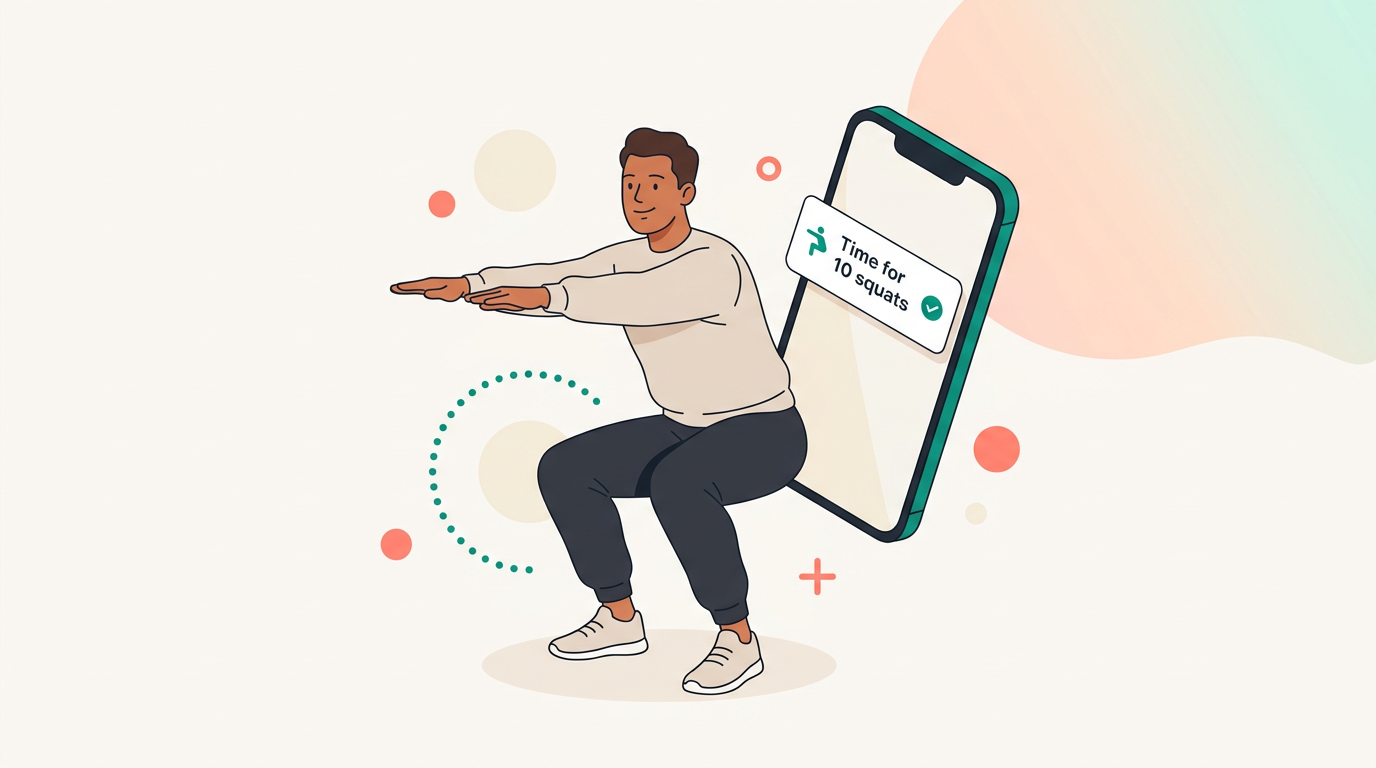
Each variation has a time and place. Here's how they compare — and which one to start your habit with.
We'll point you to the squat that fits your routine — and the easiest way to start.
Most people don't fail because the habit is hard — they fail because they forget.
10 squats is short, clear, and low friction. No warm-up, no gym.
Hourly breaks interrupt long sitting periods and keep you moving across the day.
A reminder and one tap make the habit easier to repeat — and easier to keep.
No program. No streaks to rebuild from scratch. Just a reminder, a squat, and a tap.
Choose when you want reminders during the day.
When the reminder goes off, do 10 squats — your choice of variation.
Tap to record it, keep your streak alive, and see your progress.
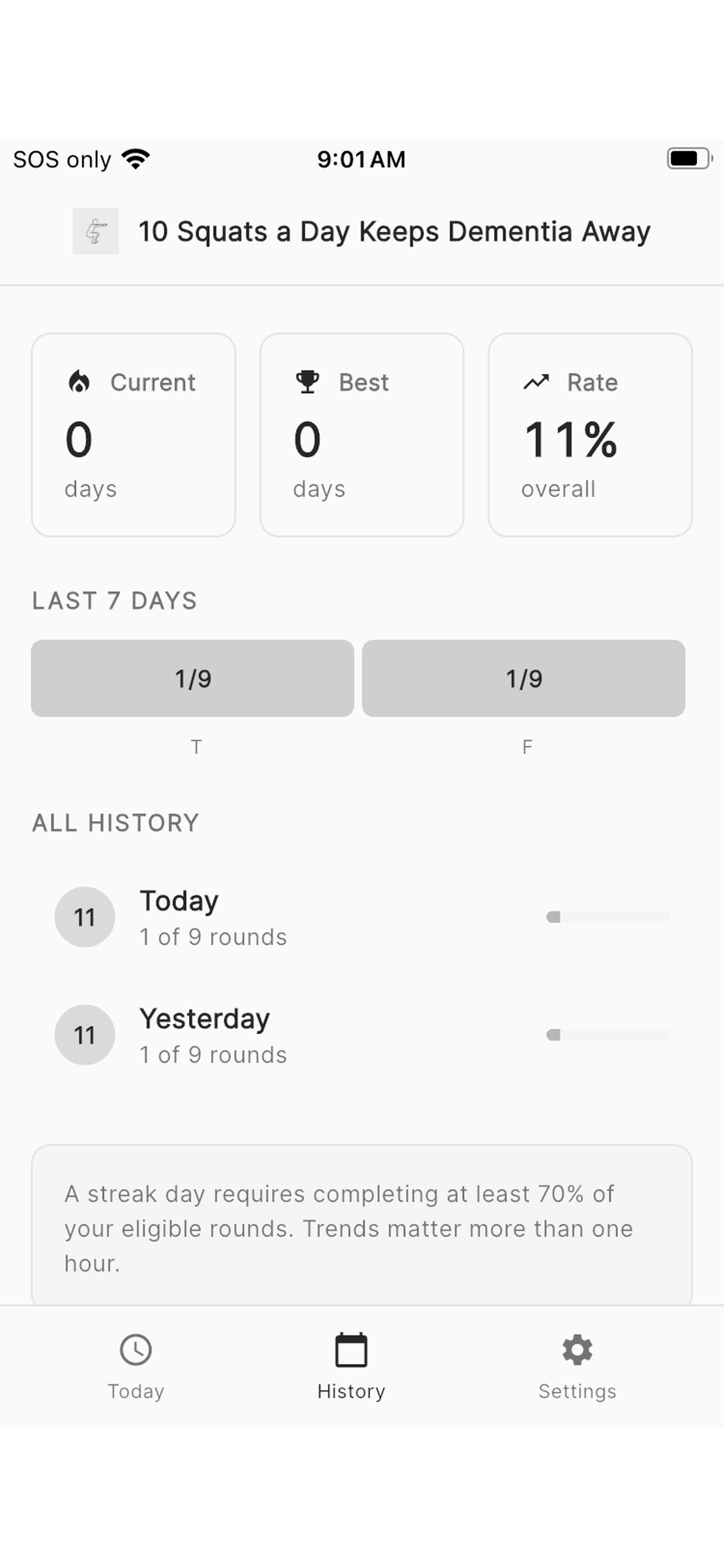
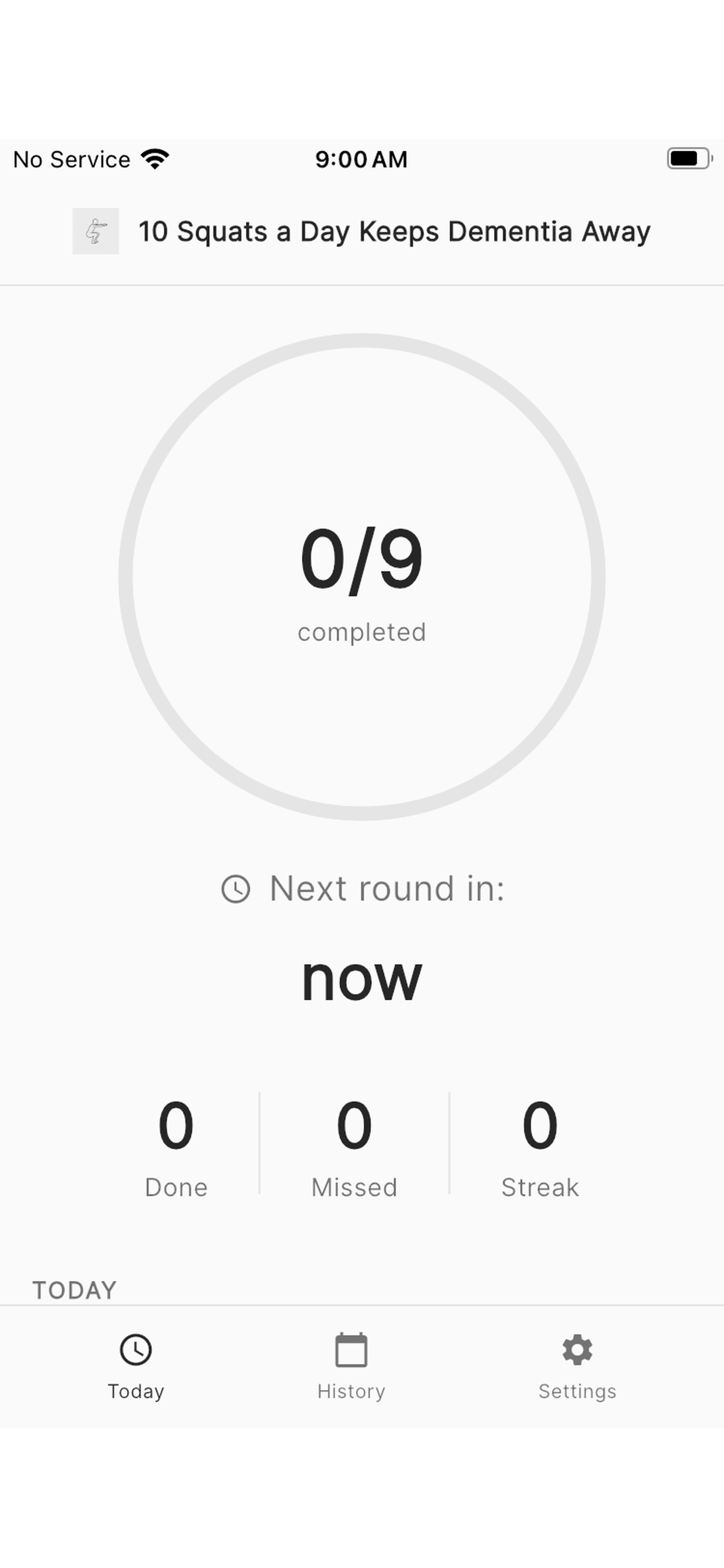
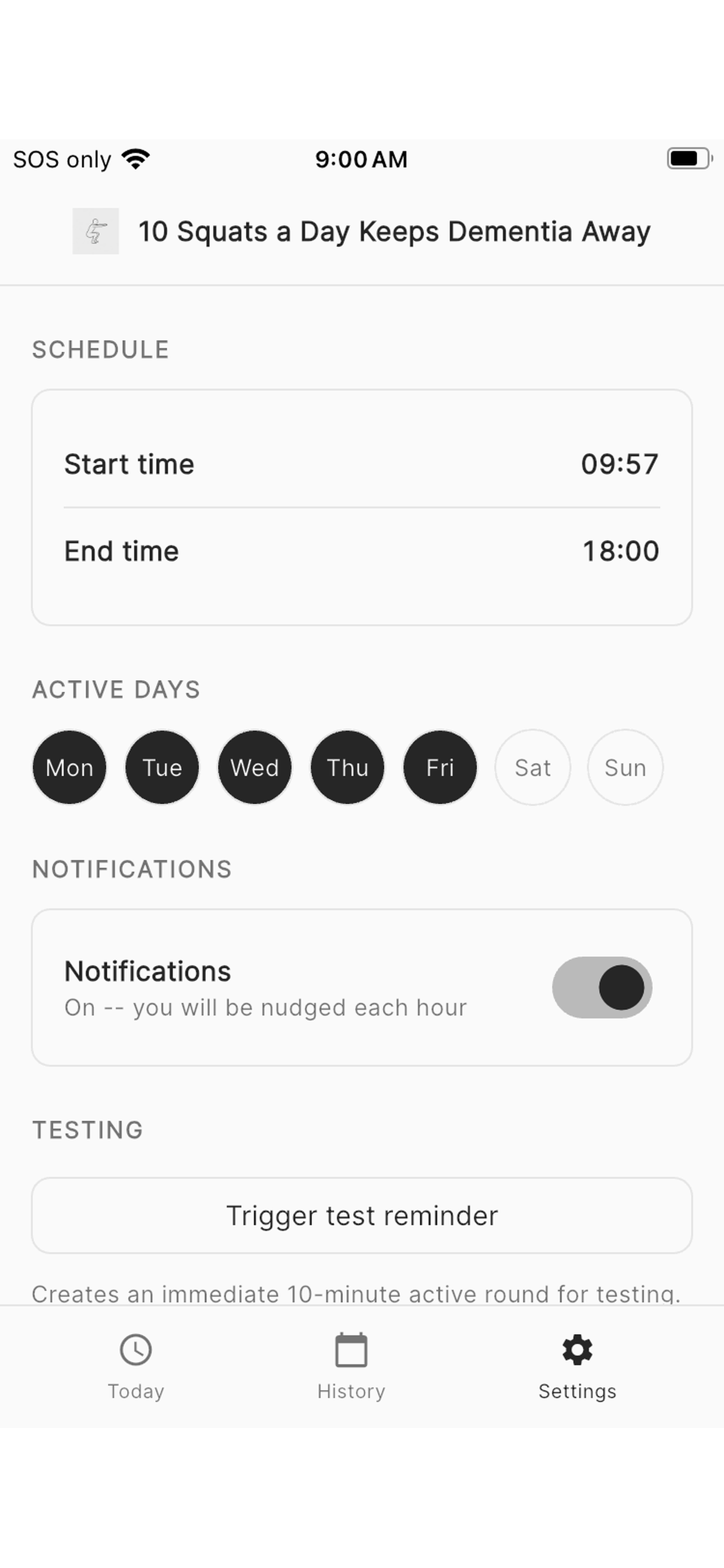
Choose your squat, set your hours, and let the app do the reminding.
See the squat guide again